
User Manual
Clients/Patients List
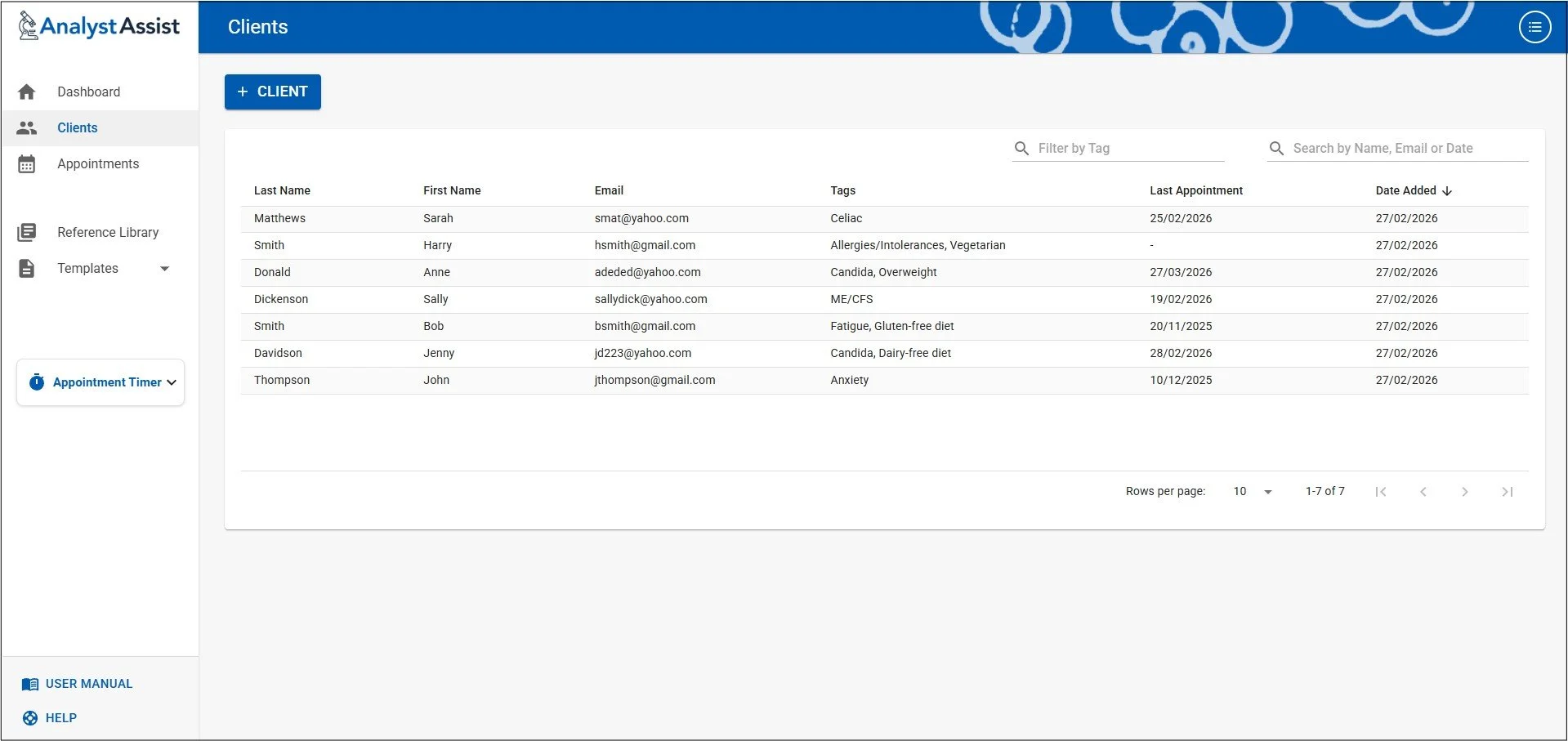
The Clients/Patients List page displays all the Clients/Patients in your database and allows you to easily access Client/Patient records. To open a Client/Patient record, just click any row in the table.
Table columns:
Last Name
First Name
Email address
Tags (see the Client/Patient Record User Manual page)
Last Appointment - the Clients/Patients Appointment record with the latest date
Date Added - the date when the Client/Patient record was created
Table pagination
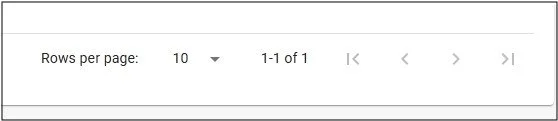
Sheet size - The table by default displays 10 rows per sheet. To navigate between sheets use the arrow icons at the bottom of the table. You can also use this section of the table to change how many rows per sheet are displayed. When greater than 10, use the scrollbar at the right hand side to scroll down the page.
Ordering rows
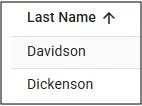
Select a column heading - It is possible to sort the full list by any of the displayed fields, by clicking the relevant column heading. This will display an ‘Up’ or ‘Down’ arrow next to the column heading, indicating sorting by Ascending or Descending values.
Filtering / Searching
Filter by Tag - It is possible to filter the list by specific Tags in order to identify Clients/Patients with similar health conditions or treatment protocols (see Client Record). Click the ‘Filter by Tag’ field and then use the checkbox list to select specific tags. Uncheck all Tag checkboxes to remove Tag filtering.
Search by Name, Email or Date - Type letters or numbers this field to filter the list to only include entries that contain those characters in their Name, Email or Dates fields. Delete all characters to remove filtering by character.
